AI Switcher Desktop Alpha: A GUI for Switching Claude Code, Codex CLI, Antigravity, and Gemini CLI Accounts
AI Switcher Desktop is the first alpha of the GUI companion to aisw, making local multi-account switching easier for Claude Code, Codex CLI, Antigravity, and Gemini CLI across work, personal, and client setups.
Contents 8 sections
I have been working on AI Switcher (aisw) since April 2026, and it started from a very practical annoyance: switching between multiple AI coding accounts should not require a ritual of logging out, logging back in, copying hidden files, and hoping the right credentials are active in the right terminal.
That problem has only become more common. People now move between work, personal, client, and project-specific accounts across different coding agents, and each tool handles authentication a little differently. The CLI solved that problem for me first. Today I am releasing the first alpha of AI Switcher Desktop, a GUI companion to aisw for people who want the same workflow without living in the terminal. It currently supports Claude Code, Codex CLI, Antigravity, and Gemini CLI.
If you want the background on why I built aisw in the first place, the earlier posts on switching between multiple Claude Code, Codex CLI, and Gemini CLI accounts and the first aisw release cover that history in more detail.
What AI Switcher Desktop is#
AI Switcher Desktop is a cross-platform desktop app for managing and switching coding-agent accounts more easily.
To state it plainly, AI Switcher Desktop currently supports Claude Code, Codex CLI, Antigravity, and Gemini CLI, which I am still keeping around for users who need it.
Under the hood, the desktop app uses the same core engine as the CLI. The app bundles a pinned version of aisw as a sidecar and puts a GUI on top of the account and context management that the CLI already handles well.
That gives me a straightforward split of responsibilities. aisw handles the account logic, switching behavior, and platform-specific auth details. Tauri 2 provides the desktop shell, and React handles the interface.
If you want the implementation details, I wrote up the desktop architecture here.
Why I built a desktop version#
The CLI works, and I still use it. But not everyone wants account switching to be a terminal-first workflow.
Some people simply prefer a desktop interface for seeing which account is active at a glance, switching between work and personal contexts quickly, managing client-specific setups more visually, or avoiding the constant login and logout dance across multiple coding tools.
That was enough reason for me to build the desktop version rather than treating the CLI as the final form of the project.
I also wanted an excuse to get back into desktop development. I had been meaning to spend more time with Rust and Tauri 2, and this was a good project for it. The app could stay grounded in a real workflow problem while giving me room to build something cross-platform and release it early.
The kinds of workflows it is meant to simplify#
I do not think the value of a tool like this is in a feature checklist. The value is in making a few recurring workflows much less annoying.
For me, that usually means switching the whole setup from work accounts to personal accounts without redoing auth flows, keeping client-specific accounts separate so credentials and billing do not bleed across projects, seeing which account is active before opening Claude Code, Codex, or Antigravity in the wrong context, and moving between CLI-first and GUI-first workflows without maintaining two completely different setups.
In CLI form, some of those workflows look like this:
# Switch everything that shares the same profile name
aisw use --all --profile work
aisw status

# Move to a saved mixed-account client context
aisw context use client-acme

# Check what is active before opening another agent
aisw status --json
The desktop app is meant to make those same flows easier to inspect and trigger visually, without changing the underlying model. If you want the product view instead of the release-note view, the best place to look is the AI Switcher Desktop page on aiswitcher.dev.
That is also the direction I want the desktop app to keep leaning into. Not “look how many buttons it has,” but “does this remove friction from the real mess people deal with every day?”
What is in the first alpha#
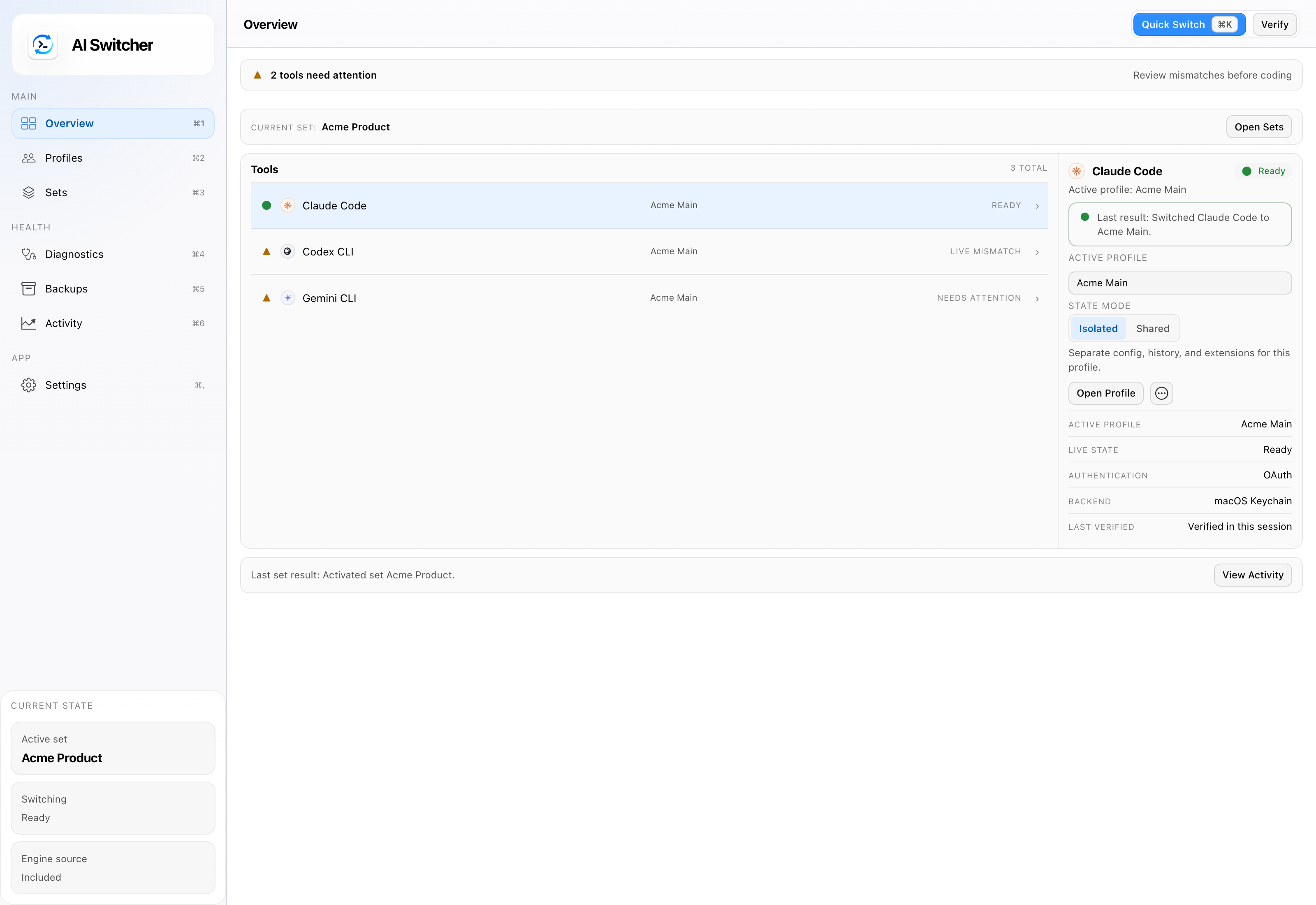
The first alpha is intentionally narrow: it focuses on bringing the existing aisw workflow to the desktop in a usable way instead of trying to invent an entirely separate product.
At a high level, the alpha gives you:
- Desktop access to the same account-switching model behind
aisw - Support for multiple coding-agent accounts and contexts
- A GUI for people who prefer clicks over shell commands
- A foundation that can evolve without duplicating the CLI logic
That is the key design decision here. I did not want a desktop app that reimplemented everything differently and immediately diverged from the CLI. I wanted one core workflow with two interfaces.

Platform status#
This release is an alpha, and I want to be explicit about what that means.
So far, I have tested the macOS build myself. The project is meant to be cross-platform and I am also releasing Windows and Linux builds, but macOS is the platform I have validated first. I would rather ship early, gather real feedback, and improve from there than wait for some imaginary perfect launch.
That also means I am actively looking for early testers on Windows and Linux, bug reports, UX feedback, and contributors who want to help push the project forward.
The app is usable, but I do not want to oversell the maturity of the release. Alpha means alpha.
Open source, end to end#
The desktop app follows the same philosophy as the CLI: keep it local, practical, and open source.
If you are curious, you can inspect the AI Switcher Desktop repository and the aisw CLI repository.
That part matters to me because tools that touch authentication and account state should be inspectable. I do not want this to be a black box. I want people to be able to see how it works, file issues, suggest improvements, and contribute if they want to.
The new home: aiswitcher.dev#
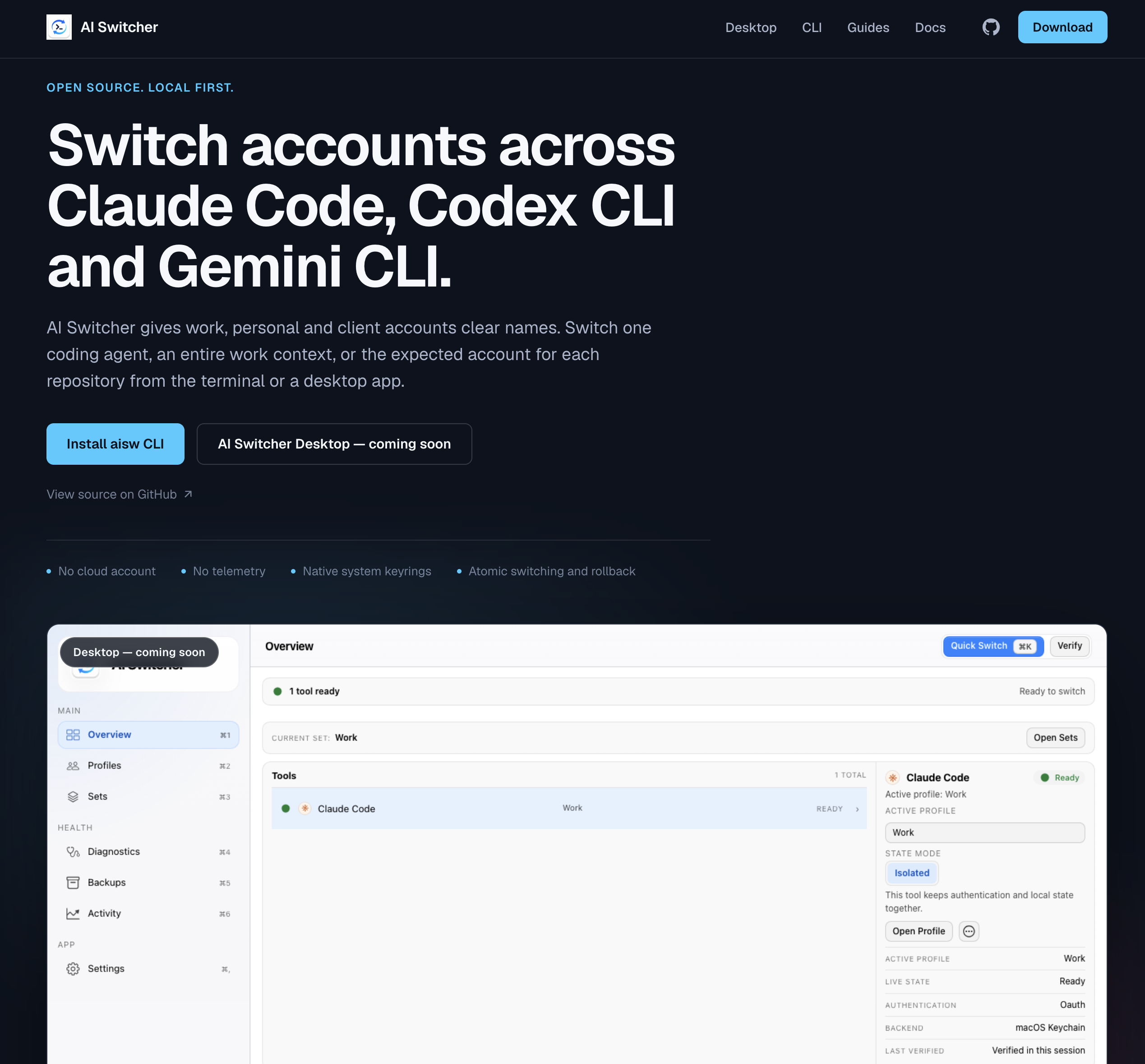
I also picked up aiswitcher.dev as a shared home for both projects.
The goal is simple: make the project easier to discover, easier to understand, and easier to use. The site will host docs, feature overviews, guides, and release information for both the CLI and the desktop app. I have also been wiring it up so documentation and release updates can stay more closely aligned with the repos.

Try it#
If you want to follow the project or try the alpha, start with the AI Switcher Desktop overview or the main site at aiswitcher.dev. If you want the code directly, you can also go straight to AI Switcher Desktop on GitHub and aisw on GitHub.
This release is less about declaring the desktop app finished and more about getting the first solid version into people’s hands. The CLI proved the workflow matters. The desktop app is the next step in making it easier to use.